Getting started
Welcome to Flexday AI
What Flexday AI is, who it is for, what you can build with it and how this documentation is organised.
- Everyone
Last reviewed
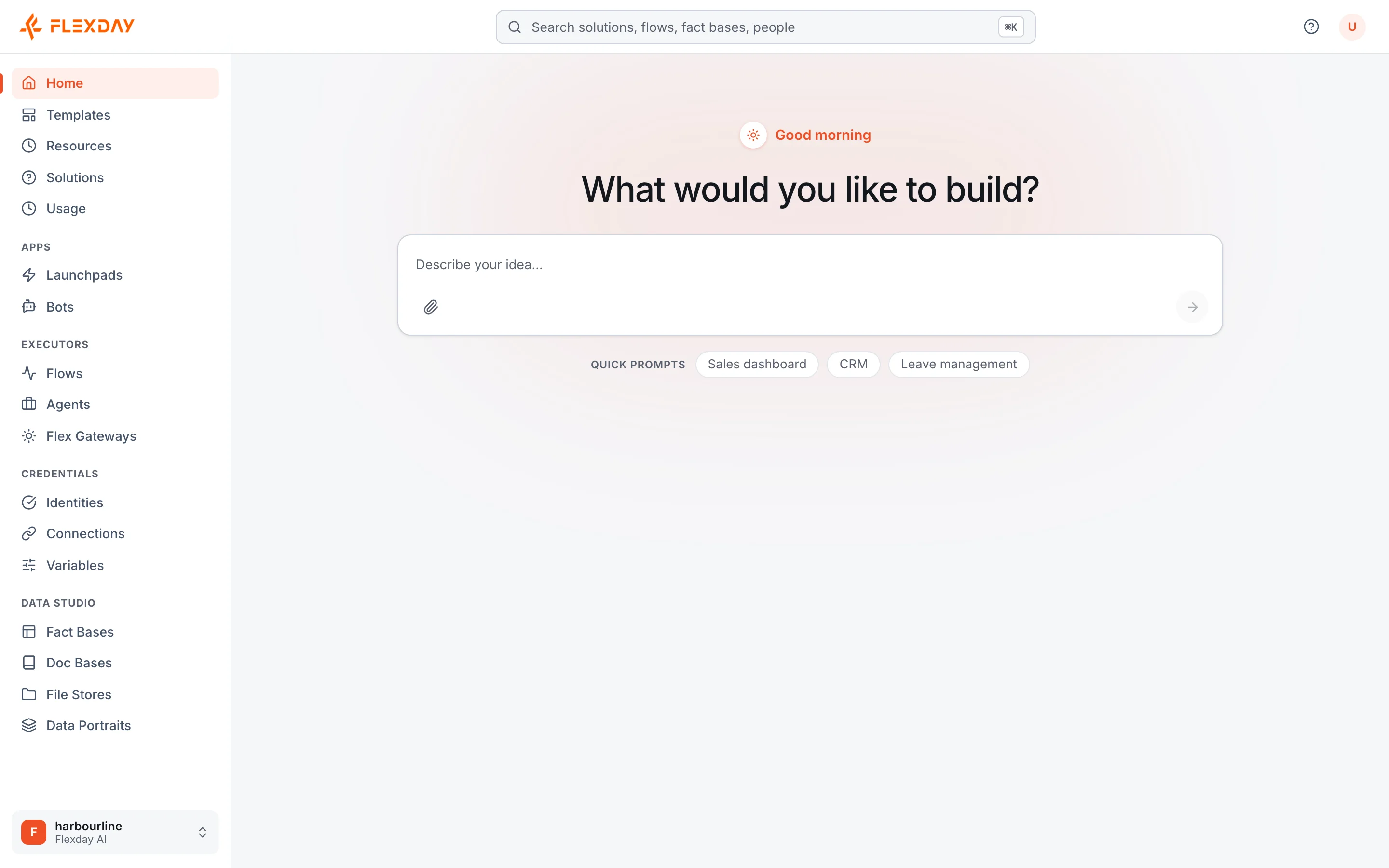
Flexday AI is an AI solutions builder. You describe what you need in plain English, attach your files if you have them, and it builds a working Solution: usually a live web application, plus whichever datasets, documents, workflows and AI assistants the request needs. You keep refining it by chat, and it runs inside the controls your organisation expects: roles, workspace isolation, versions, an audit trail and metered AI usage.
Tip
Evaluating Flexday AI for your organisation? Start with Evaluating Flexday AI: reading paths for security, architecture, privacy, AI risk and procurement reviewers, the due-diligence checklist, and a plan for a proof of concept.
At a glance
- Describe it and it is built. The Builder turns a request into real, connected resources, then keeps editing them as you talk.
- One container per purpose. A Solution holds everything built for one job, and everything inside it references only what is inside it.
- Governance is built in. Each workspace's Solutions, and the resources inside them, are kept apart by row-level security in the database itself. Changes to them are recorded in an audit trail with the person who made them, and every completed AI call is metered.
- Runs where you need it. Use it as a service hosted by Flexday, or run the same platform in your own AWS or Azure environment.
Who it is for
| Reader | What Flexday AI gives you |
|---|---|
| Builders: business users and analysts | A way to go from an idea or a spreadsheet to a working app, dashboard, assistant or workflow without writing code |
| Functional users | Tools for the processes you own, built and changed by describing them, with AI usage and cost visible per Solution and a version history for what runs |
| IT and security | Sign-in through your own identity provider, row-level security in the database keeping each workspace's Solutions apart, audit trails, secrets that are never shown again, and a choice of where it runs |
| Developers | A public API for any Solution through a Flex Gateway, a generated API description for the Studio, webhooks, and plain web files you can read and edit |
What you can build
- Turn a spreadsheet or a database schema into a live dashboard. A Fact Base holds the data and a LaunchPad is the web app people use.
- Answer questions from your own documents, with citations. A Doc Base makes policies and manuals searchable, and an Agent answers from them.
- Automate a process end to end. A Flow runs on a schedule, an event or a webhook; it can send email, move files, collect a form or raise a ServiceNow ticket through an Integration.
- Put an assistant where people already work. A Bot makes a published Agent available in Microsoft Teams.
- Offer a secure API to partners and systems. A Flex Gateway exposes queries, Flows, Agents and files, and you choose which of them require sign-in through the Identity you attach.
- Start from something that already works. A Template starts a new Solution as a copy of a working one, with no AI build in between. The copy arrives with its app in draft, its Flows and Agents unpublished and its credentials blank, ready for you to review and switch on.
How this documentation is organised
The documentation has eight sections. Each page opens with a plain-language summary; technical detail follows further down.
| Section | What you will find |
|---|---|
| Getting started | This welcome, the platform at a glance and how a Solution comes together |
| Evaluating Flexday AI | For a buying committee: security, privacy, responsible AI, deployment and residency, reliability, compliance support, fit with your stack, portability and a proof-of-concept plan |
| Architecture | How the platform is built and run: services, request paths, data, jobs, AI models, adapters, deployment and addresses |
| Governance | Trust boundaries, access, isolation, secrets, AI safety, file safety, change control, audit, data lifecycle and platform operations |
| Capabilities | What you can achieve, written as outcomes: building by conversation, data, knowledge, automation, agents, apps, APIs, reuse and observability |
| Components | One page per building block, each with the same layout: what it is, how it works, what it works with, and its governance and limits |
| Use cases | Worked examples of components working together end to end, starting with the Service Desk Copilot |
| Reference | The glossary and the limits and quotas |
Tip
Words such as Solution, workspace, Fact Base and Agent have precise meanings here. The glossary defines each one once, in plain language.
Suggested reading paths
If you are evaluating Flexday AI for your organisation
- Evaluating Flexday AI: reading paths by reviewer and the due-diligence checklist.
- Security overview and Data protection and privacy.
- Deployment options and data residency.
- Running a proof of concept: a four-week plan with success criteria.
If you are a functional user
- Platform at a glance: the surfaces, the building blocks and the foundations.
- How a Solution comes together: the journey from a request to a governed, reusable Solution.
- Capabilities overview: what each capability does and who it serves.
- The Service Desk Copilot: one Solution, end to end, from the people who use it to the systems it connects.
If you are a builder
- How a Solution comes together.
- Build by conversation and The Builder.
- Components overview, then the page for each building block you use.
If you are an architect, or in IT and security
- Architecture overview and Runtime services.
- Data architecture and Addresses and domains.
- Identity and access, Data isolation and Secrets and encryption.
- Reference deployment on AWS or on Azure.